
Cast, tie out and format financial statements, offline
Check every total, cross-cast and tie-out in your financial statements in minutes, then format them into a print-ready PDF with your page breaks, margins, fonts and logo. Free, and all offline on your own PC.
Platform: Windows 10/11 (64-bit) · Works offline · PDF, Excel and CSV import · PDF, CSV and Excel export
Financial statement casting and formatting for auditors and accountants
Castvana is a free Windows app made for auditors, accountants, audit seniors and finance teams who prepare or review annual accounts. It does two jobs that eat hours at year end: casting and formatting. Import the financial statements from a PDF, an Excel workbook, a CSV or a pasted table, and Castvana casts them straight away: it adds up every subtotal and total, checks cross-casts, ties the statements to each other and to the notes, checks note references and even spots spelling slips.
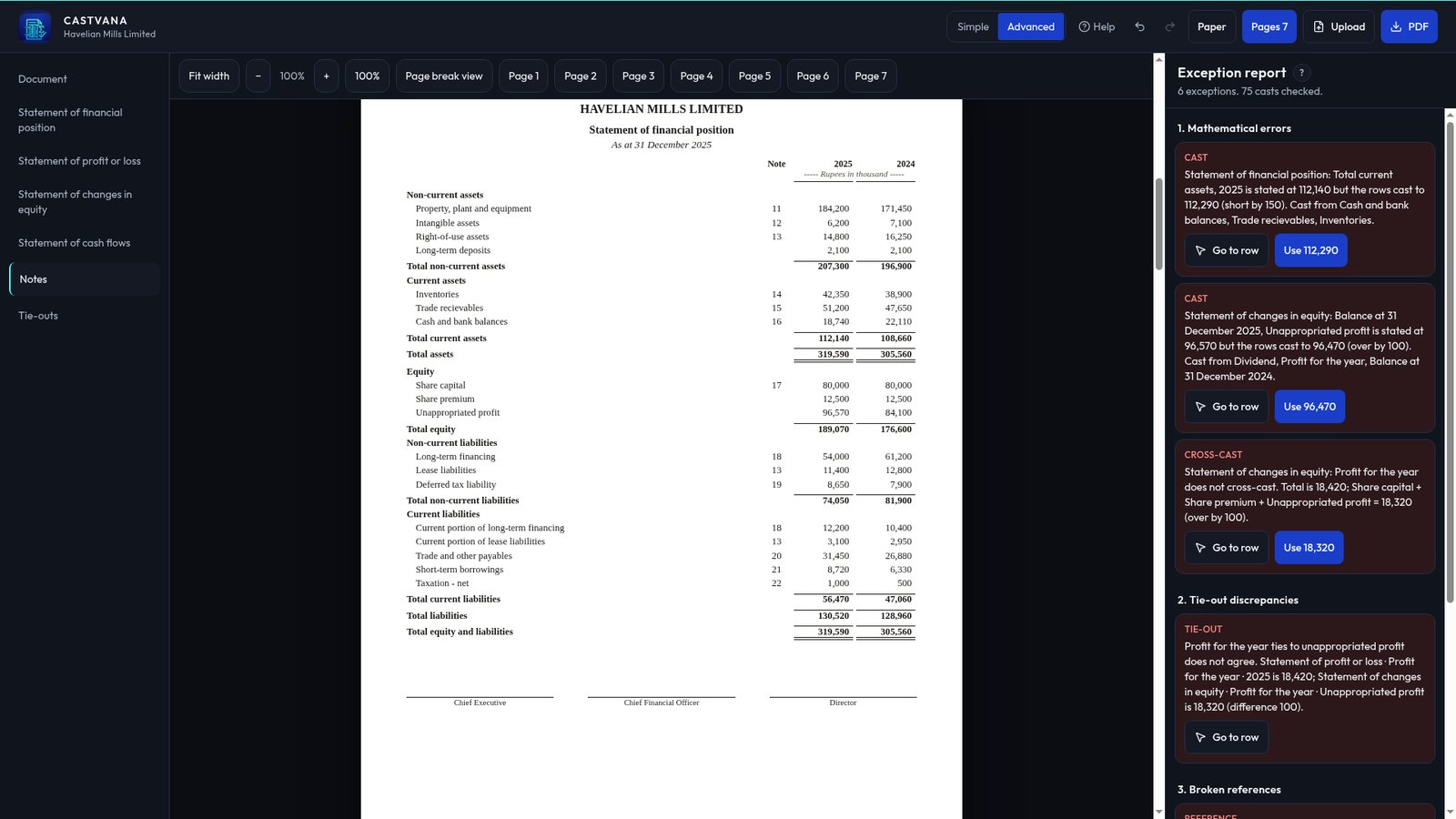
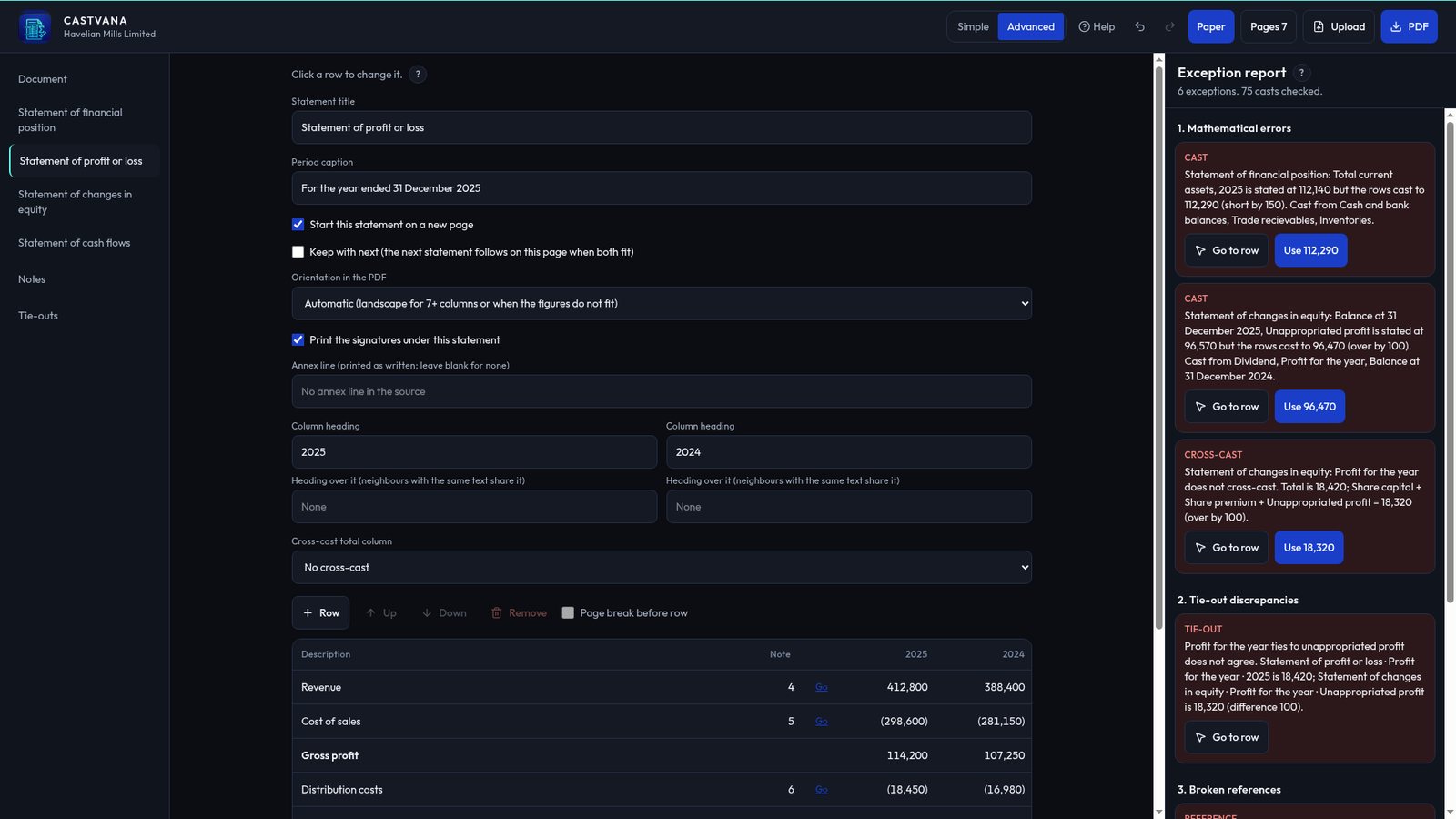
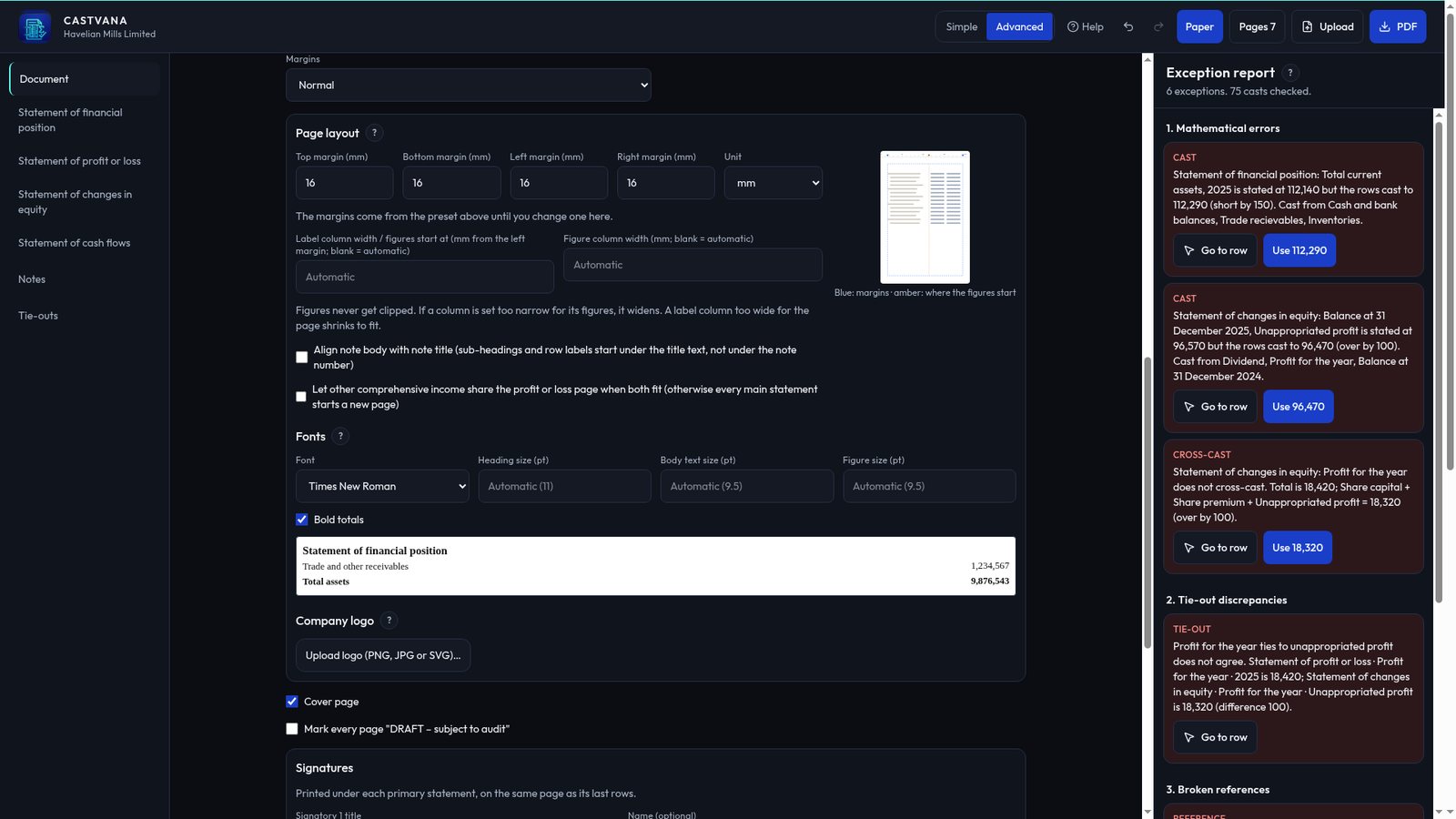
Financial statement formatting that just works. No more fighting Word over page breaks. Set row types, indents, lines under figures, page breaks and keep-with-next, margins and column widths, with a live page preview. Choose Times New Roman, Arial, Calibri, Cambria or Garamond (the fonts are built in), add your company logo and an optional DRAFT mark, and export a print-ready PDF. Wide notes switch to landscape or A3 on their own, and nothing is ever cut off.
Everything happens on your own computer. Your clients' financial statements are never uploaded, there is no account to create, and Castvana works with no internet connection at all.
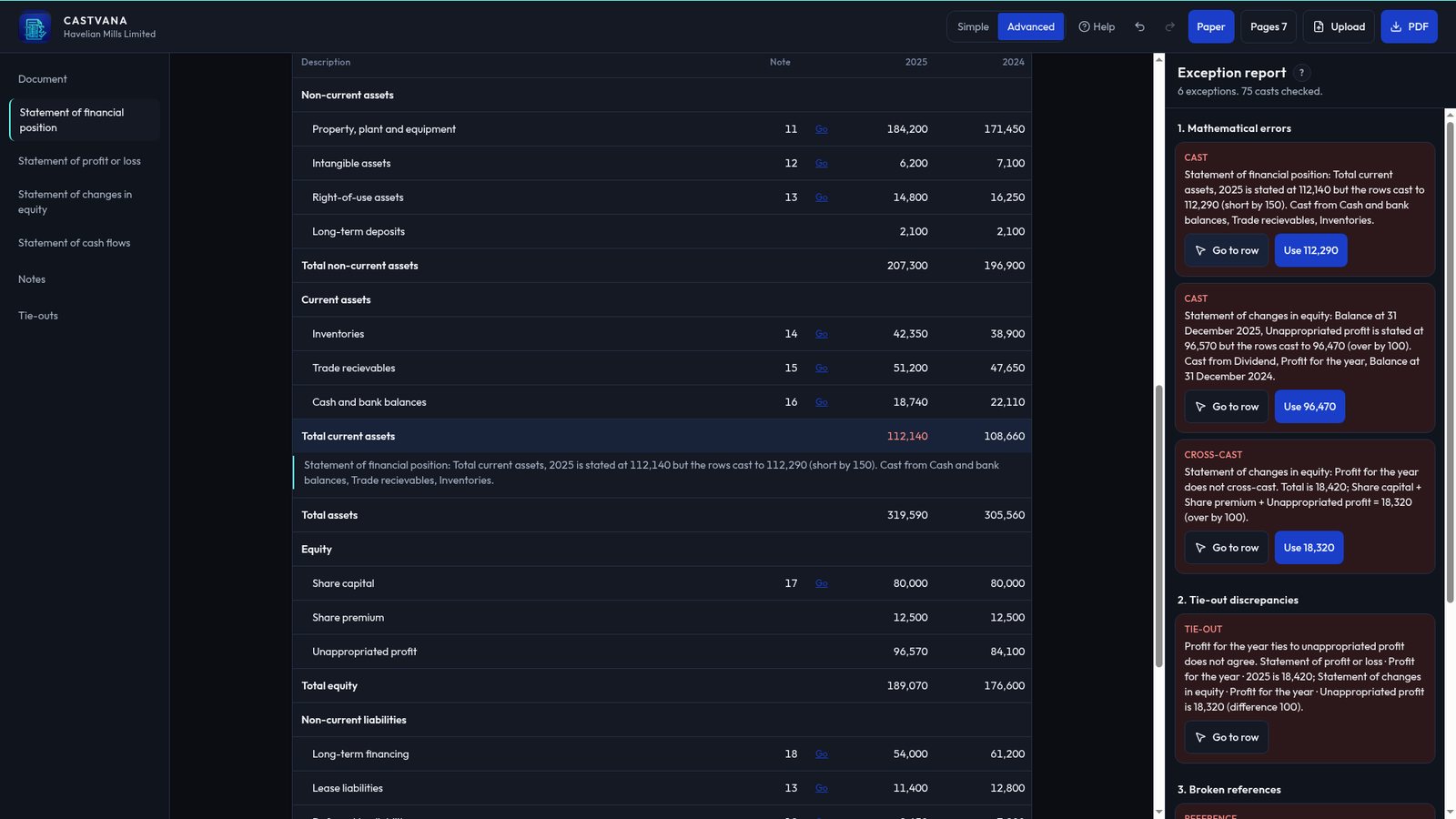
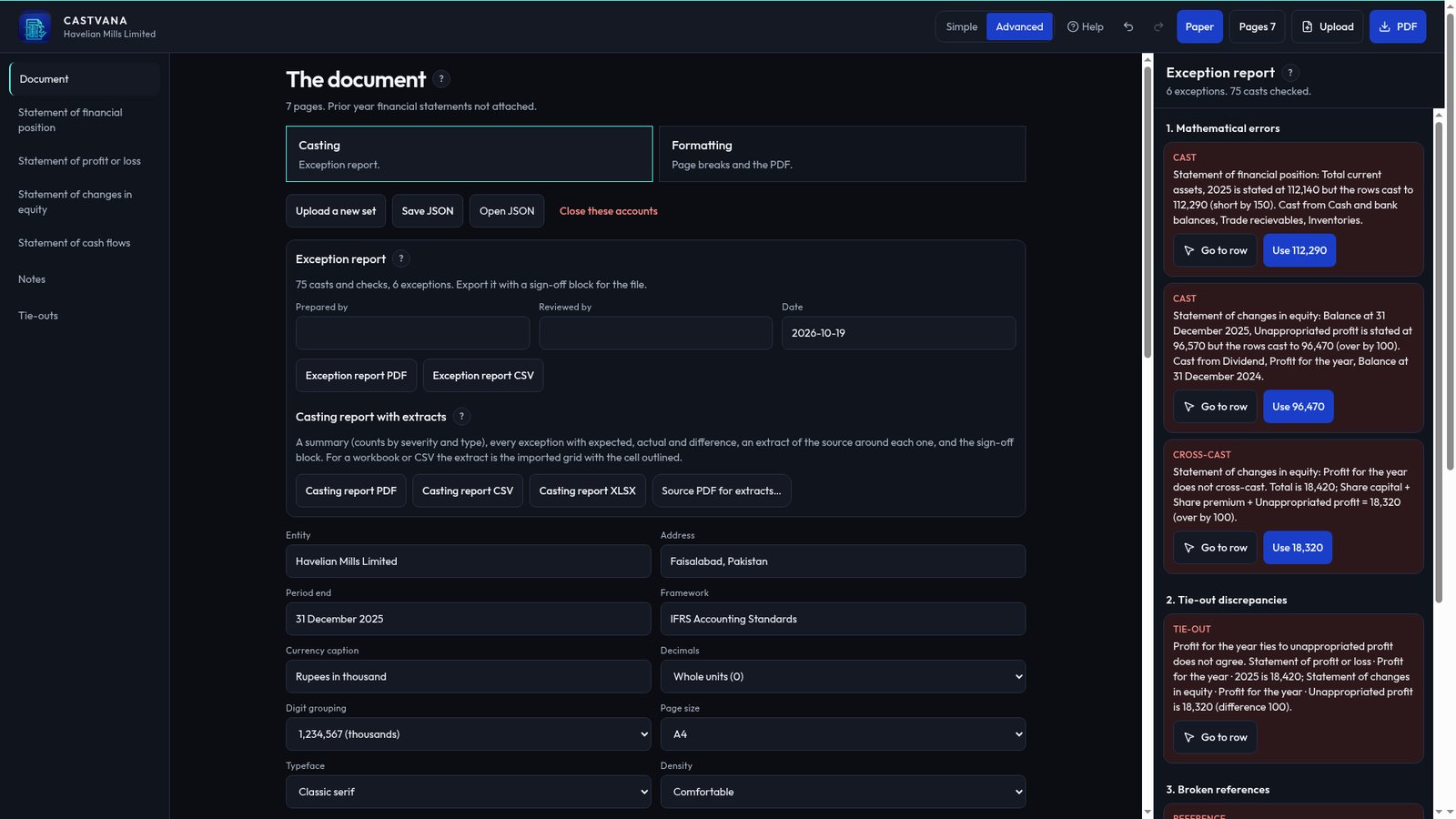
Financial statement casting without the calculator. The exception report lists every total that doesn't add up, with the expected figure, the actual figure and the difference. Click an exception to jump to the row, then fix it in one click with "Use <figure>" or "Accept as rounding". Attach last year's statements to cross-cast to the prior year too.
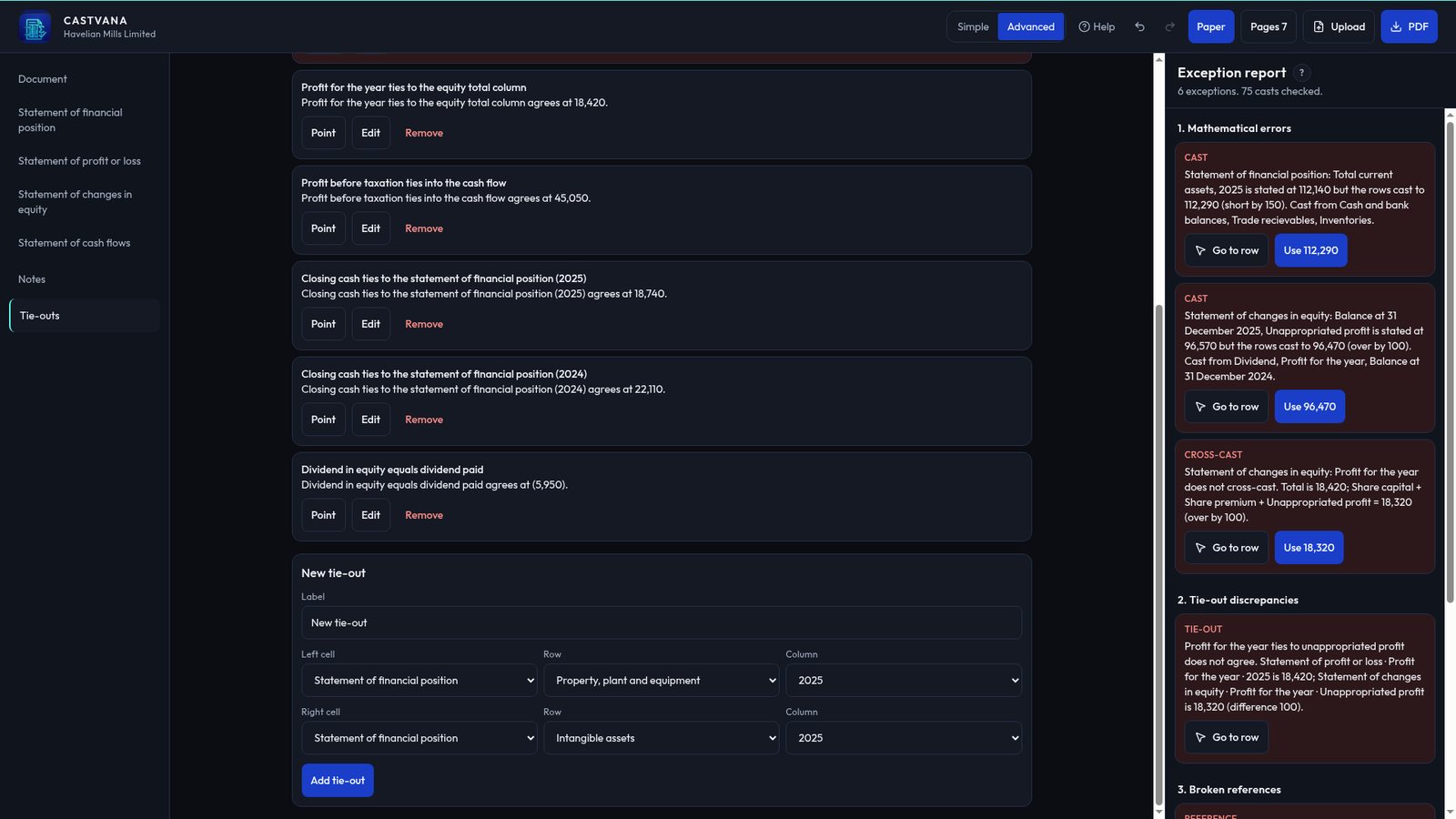
Tie-outs and review marks. Profit for the year to equity, profit before tax to the cash flow, closing cash to the statement of financial position: Castvana checks the usual tie-outs and lets you add your own. Mark rows with Add comment, Mark OK, Ask client or Mark error, just as you would on paper.
A casting report your reviewer will like. Export the casting report as PDF, CSV or Excel, with a summary, every exception and its status, an extract of the source around each one, and a Prepared by / Reviewed by sign-off block.
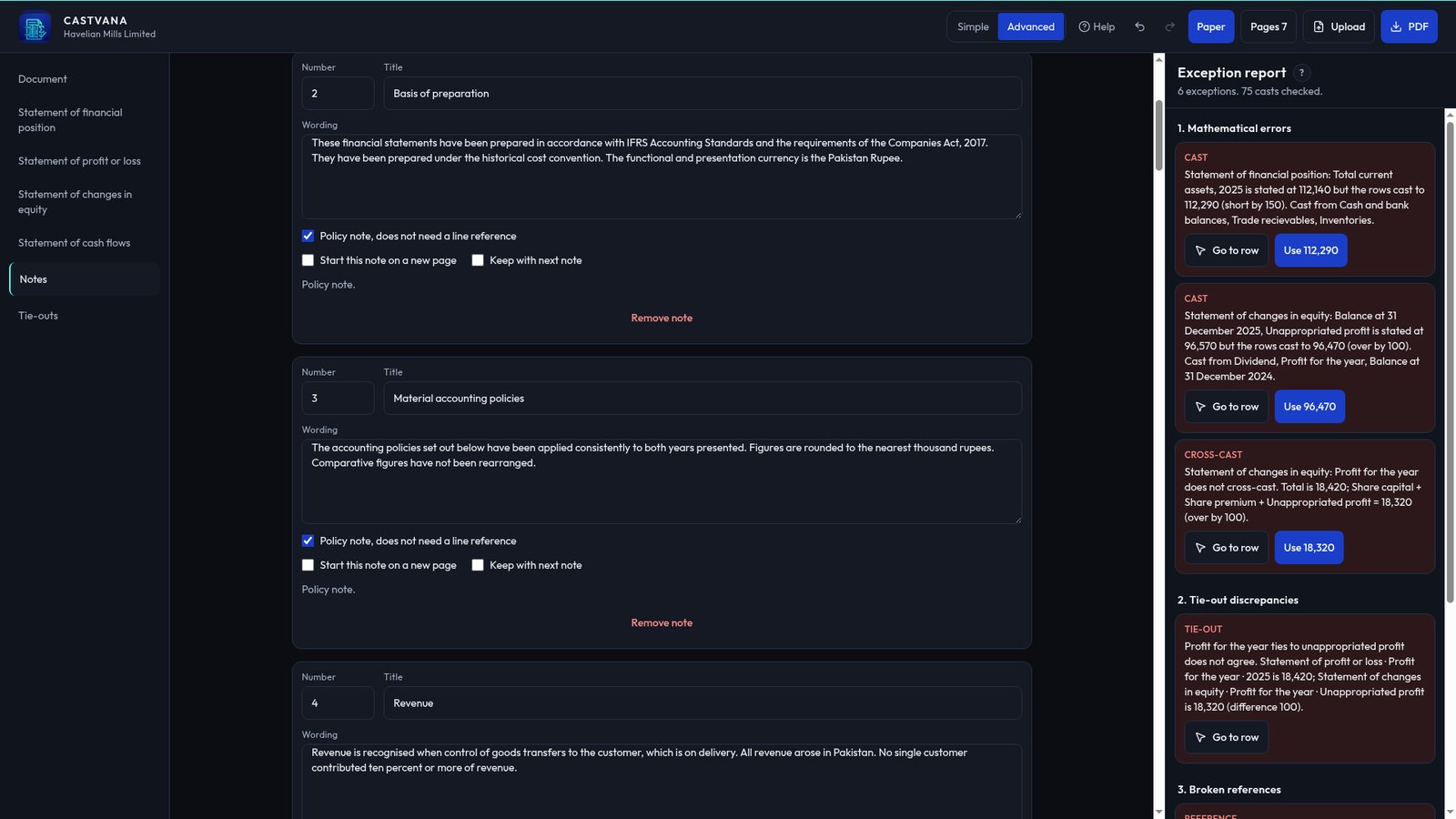
Built for real notes. Related-party notes and other tables with several text columns import column by column, even when cells wrap over several lines, and the headings repeat on continuation pages.
Easy to learn. Simple mode keeps the screen clean when you only need to check figures; Advanced mode shows every layout option. A short first-run tour and an offline user manual (press F1) explain each step.
Questions or ideas? Email info@wickedsystemstudio.com. We read every message.
Everything in Castvana 1.2, free
- Free, and works 100% offline: your financial statements never leave your PC, no account needed
- Financial statement formatting: page breaks, keep-with-next, margins, column widths and a live page preview
- Print-ready PDF export with built-in fonts and your company logo; wide notes go landscape or A3, never cut off
- Automatic casting of every subtotal and total, re-run after every change
- Cross-casts, tie-outs between statements and notes, and note reference checks
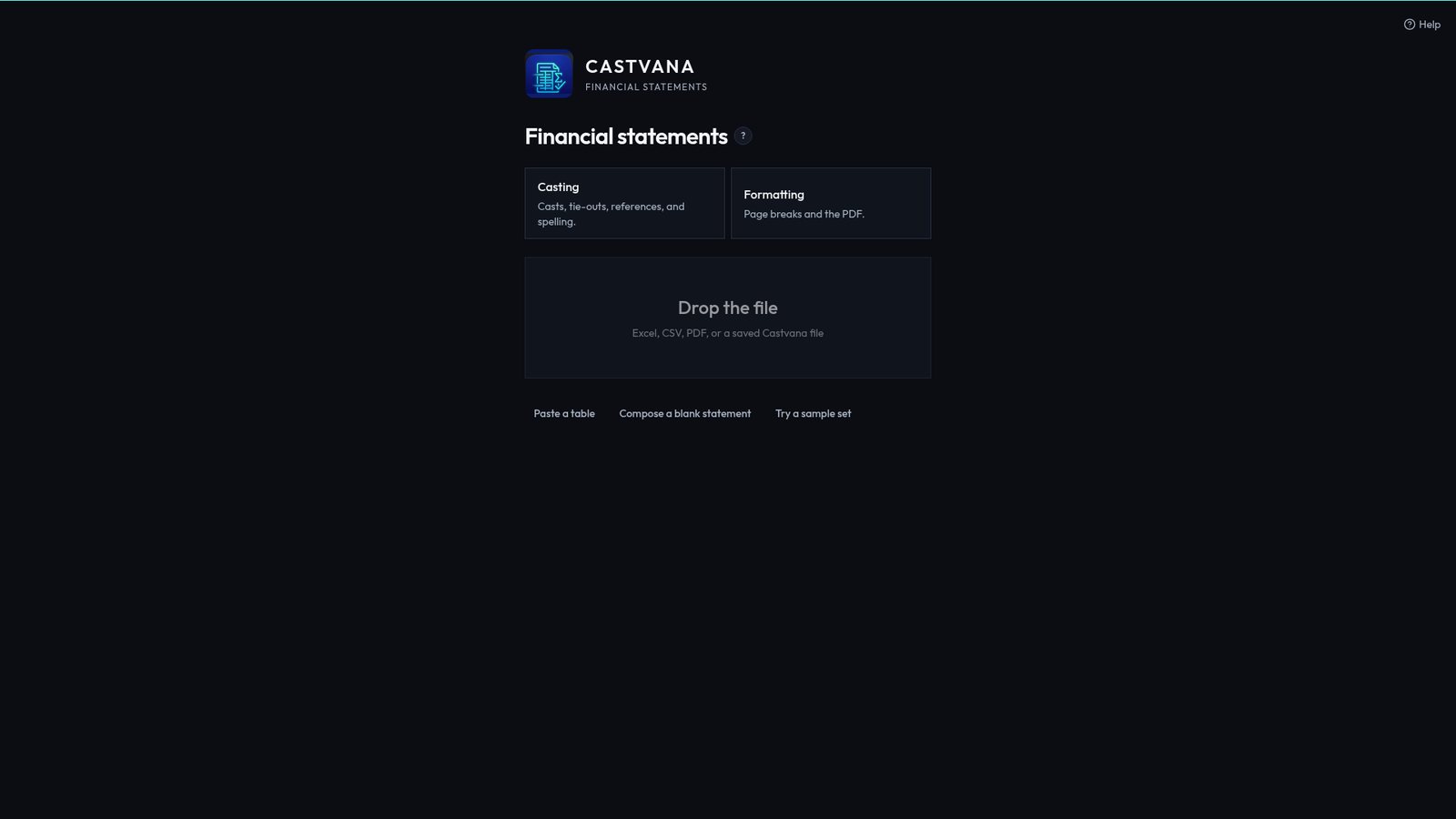
- Import financial statements from PDF (with text), Excel (.xlsx, .xls), CSV or a pasted table
- Exception report: expected, actual and difference, with jump-to-row
- One-click fixes: "Use <figure>" and "Accept as rounding"
- Casting report as PDF, CSV or Excel with source extracts and a sign-off block
- Row types, indents and lines under figures (single, double, total rules)
- Built-in fonts: Times New Roman, Arial, Calibri, Cambria or Garamond style faces, with separate sizes
- Logo in the header or footer, plus an optional DRAFT watermark and signature blocks
- Spelling check on labels and headings
- Cross-cast to the prior year by attaching last year's statements
- Review marks: Add comment, Mark OK, Ask client, Mark error
- Add your own tie-outs between any two cells
- Related-party notes and other multi-text-column tables imported column by column
- Simple and Advanced modes, a first-run tour and an offline user manual (F1)
- Save and reopen whole sets as JSON files
- Made for auditors, accountants and finance teams preparing annual accounts
Inside the app
Real screenshots using the app's built-in sample set.
Your clients' accounts never leave your PC
Castvana runs entirely on your Windows computer. Nothing is uploaded, no account is needed, and no data is collected. Read the Castvana privacy policy.
Frequently asked questions
What does Castvana do?
Castvana imports financial statements from PDF, Excel or CSV, casts them (totals, cross-casts, tie-outs, note references and spelling) and exports a formatted PDF and a casting report.
Does Castvana upload my financial statements?
No. Everything runs on your Windows PC. Nothing is uploaded, there is no account, and it works with no internet connection. Your work is saved in %APPDATA%\Castvana.
Can it read scanned PDFs?
Castvana needs a PDF with text, such as one exported from Word or Excel. For a scanned PDF, run OCR first, or import the figures from Excel or CSV.
Can it cast against last year's figures?
Yes. Attach the prior year financial statements under Document and Castvana cross-casts to them.
What is in the casting report?
A summary, every exception with expected and actual figures, the difference, its status and comment, an extract of the source around each one, and a Prepared by / Reviewed by sign-off. Export as PDF, CSV or Excel.
Can Castvana format my financial statements?
Yes. Formatting is half of Castvana. Set page breaks, keep-with-next, margins, column widths, row types, indents and lines under figures, pick a built-in font (Times New Roman, Arial, Calibri, Cambria or Garamond style), add your firm's or client's logo and a DRAFT mark, and export a print-ready PDF. The fonts are built in, so the PDF matches the screen.
Which Windows versions does it support?
Windows 10 and Windows 11, 64-bit.
How much does it cost?
Castvana is free. Casting, formatting, the casting report and PDF export are all included, with no account and no ads. It is available now on the Microsoft Store.